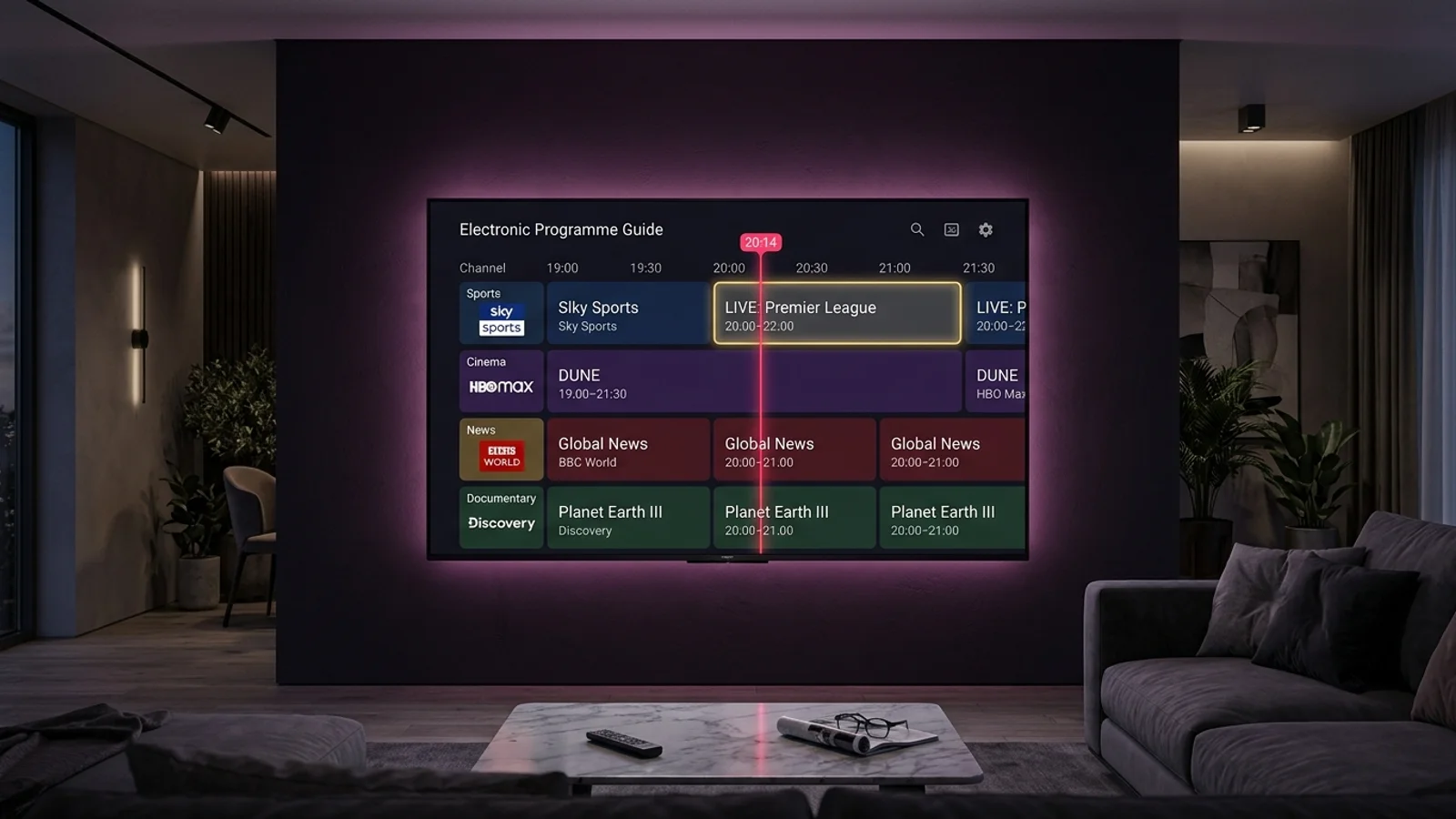
If your guide displays a 9:00 PM football match at 4:00 PM or 11:00 PM, the timestamps in the XMLTV feed are not aligned with your local system clock. Because international channels originate from multiple timezones (e.g. UK GMT, US Eastern, Central European Time), a timezone shift offset is required.
Most premium IPTV players allow you to configure global or per-source time offsets. In TiviMate, go to Settings > EPG > EPG Sources > your source > 'Time Shift' and adjust the offset by +1, -1, +5, etc., in hours until the live red timeline indicator aligns perfectly with the current show.
In IPTV Smarters Pro, navigate to Settings > Time Format / EPG Time Shift, select your local offset (e.g., UTC+01:00), and click Save.