Flexe IPTV Streaming Gateway: Active • High-Speed Delivery
Guides & Explainers•
7 min read
•
Updated 2026-10-21

How to Choose the Best IPTV Subscription: Features, Pricing & Evaluation Checklist

Flexe IPTV Technical Team
Streaming Infrastructure & Client Support
Digital 3D rendering of multi-screen IPTV streaming subscription passes with champagne gold and coral borders

With hundreds of IPTV services advertising online, choosing a reliable subscription can feel overwhelming. Many low-grade providers make unrealistic claims of 'unlimited channels' and '100% freeze-free streaming', only to vanish or suffer catastrophic buffering during major sports tournaments.

To avoid wasting money on subpar services, you need to understand how subscription duration, simultaneous screen allowances, server redundancy, and customer support affect real-world value. Here is an objective buyer's guide to choosing the right plan with confidence.

1. Evaluating Subscription Durations: 1, 3, 6, vs. 12 Months

Balancing monthly flexibility with long-term cost savings depends on your familiarity with the service.

Most reputable IPTV providers offer tiered subscription periods: 1 month, 3 months, 6 months, and 12 months. While an annual pass provides the greatest discount per month, prudent buyers follow a structured progression.

When testing a brand-new service, always begin with a 24-hour test line or a 1-month pass. This allows you to evaluate peak-hour server stability during actual live sporting events on your home network without committing significant upfront capital.

Once you have confirmed that the provider's streams maintain buffer-free consistency and the channel lineup matches your household needs, transitioning to a 6-month or 12-month pass unlocks savings of up to 45% compared to paying month-to-month.

DurationBest ForCost Per MonthCommitment Level
1 Month PassFirst-time evaluation & testingStandard rateZero commitment
3 Month PassSeasonal sports fans (e.g. tournament runs)Moderate discountLow commitment
6 Month PassEstablished subscribers wanting stabilityStrong discount (~30%)Medium commitment
12 Month PassMaximum value & uninterrupted annual viewingBest value (~45% off)Annual pass

2. Single Connection vs. Multi-Room Concurrent Streaming

Understanding how simultaneous connection enforcement works prevents unexpected stream dropouts.

A common misunderstanding among new IPTV subscribers involves device installations versus simultaneous active streams. You can configure your Flexe IPTV credentials on multiple devices—for example, your living room TV, bedroom Firestick, and travel laptop.

However, a 1-Screen plan permits only one active stream at any given second. If a family member opens a channel on the bedroom TV while you are watching football in the living room, the server detects two concurrent IP sockets and immediately cuts off the first stream (often triggering an HTTP 403 Forbidden error).

If your household has multiple active viewers, choose a multi-screen subscription (2 or 3 simultaneous connections) in our pricing calculator. This allows everyone to watch independent channels simultaneously under a single shared account.

3. Server Reliability & Anti-Freeze Architecture

What genuinely separates enterprise IPTV providers from budget resold panels is server infrastructure.

Budget IPTV sellers typically buy cheap reseller credits on overcrowded, unmonitored server panels. When thousands of viewers tune in to a high-profile Champions League or NFL game, these budget servers run out of bandwidth, causing widespread freeze loops.

Flexe IPTV operates on a geo-distributed Content Delivery Network (CDN) with automated anti-freeze load balancing. Live satellite feeds are ingested into redundant European and North American Tier-1 data centers. If an upstream relay experiences packet loss, our intelligent routing automatically fails over to a secondary feed in milliseconds without viewer disruption.

Spotting Real Anti-Freeze Protocols

Legitimate anti-freeze systems rely on dual-stream satellite redundancy and edge-caching nodes, not magical software claims. Read our how our streaming technology works breakdown for details.

4. Auditing Channel Lineups & Content Quality

Quality always trumps sheer quantity when evaluating channel bouquets.

Providers claiming '30,000+ channels' frequently inflate their counts with dead links, redundant duplicate streams, and low-bitrate SD feeds. A well-curated library of 18,000 verified, actively maintained channels is vastly superior to an unorganized database.

Check whether the provider provides true 50FPS and 60FPS sports feeds. Fast-moving sports like football, basketball, tennis, and Formula 1 appear blurry and jittery on standard 25/30FPS streams. Flexe IPTV delivers dedicated 60FPS Full HD and 4K feeds across major sports networks in our channel lineup.

Additionally, verify that on-demand movies and series include multi-language audio tracks and subtitles, and that the Electronic Program Guide covers your primary regional networks.

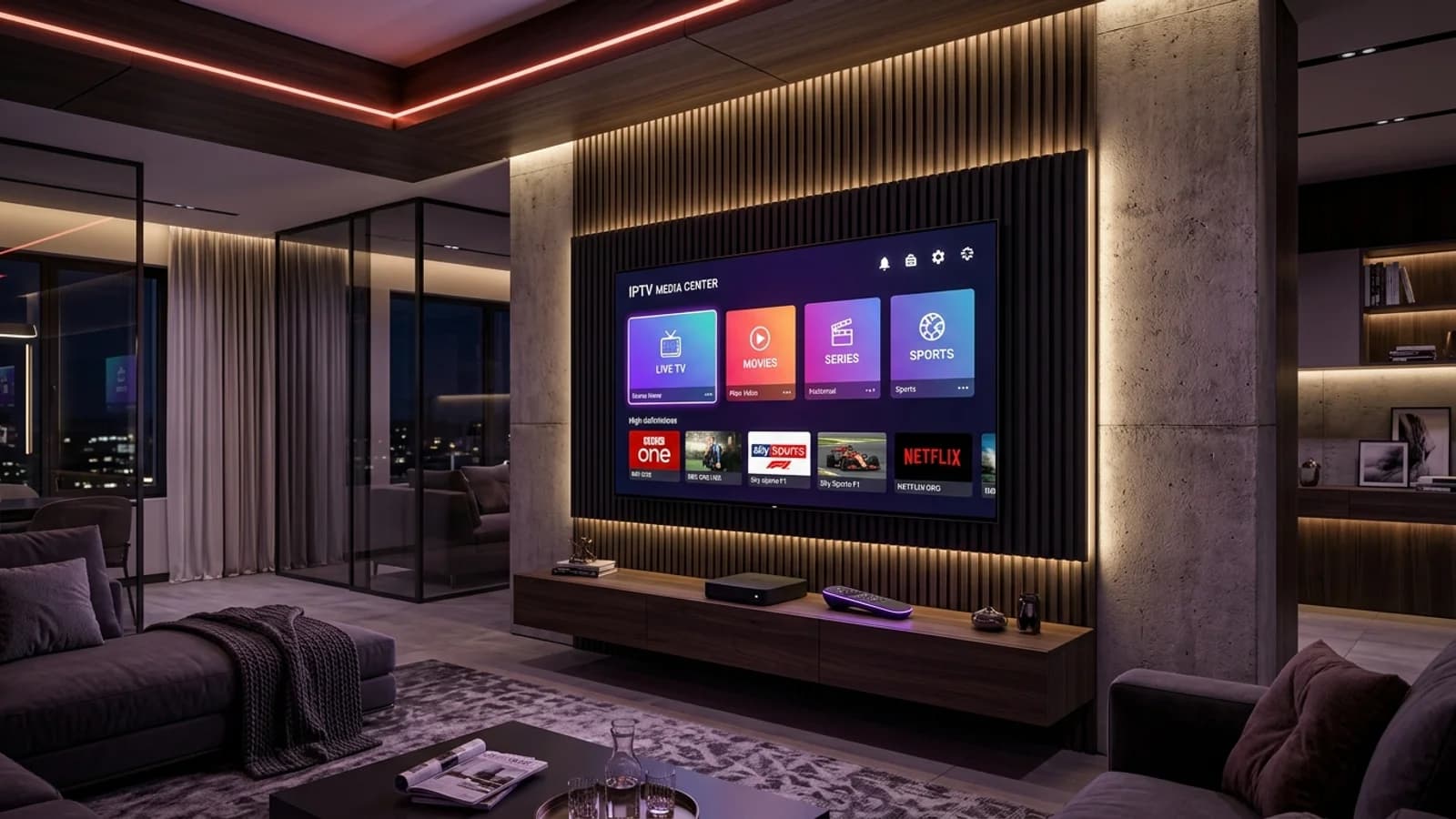
5. The Ultimate 7-Point Pre-Purchase Checklist

Before entering your payment details, verify these seven crucial criteria.

  • 24-Hour Free Trial Available: Never buy from a provider that refuses to offer a test line to verify performance.
  • Dual Connection Formats: Ensure the provider issues both M3U URLs and Xtream Codes API login credentials.
  • Dedicated Sports at 60FPS: Confirm that premier sports channels stream at true 50/60 frames per second.
  • Electronic Program Guide: Verify that XMLTV EPG data synchronizes seamlessly on your player app.
  • Multi-Screen Upgrade Path: Check if you can easily add additional concurrent screens to your subscription.
  • Responsive Human Support: Test their customer service by sending a WhatsApp message to verify response times.
  • Transparent Cancellation: Confirm there are no hidden auto-renewal traps or binding contracts.
Next Steps & Resources

Ready to Experience High-Performance IPTV?

Put these tips into practice with Flexe IPTV's 4K streaming network. Test our 18,000+ channel catalog with a 24-hour test line or select a flexible multi-screen subscription plan.

Keep Learning

Related Streaming Guides

View all guides